Stop copy-pasting.
Start syncing.
Sync Code Between AI IDE & Bubble Plugin Editor in One Click!
Start Syncing in 3 Simple Steps
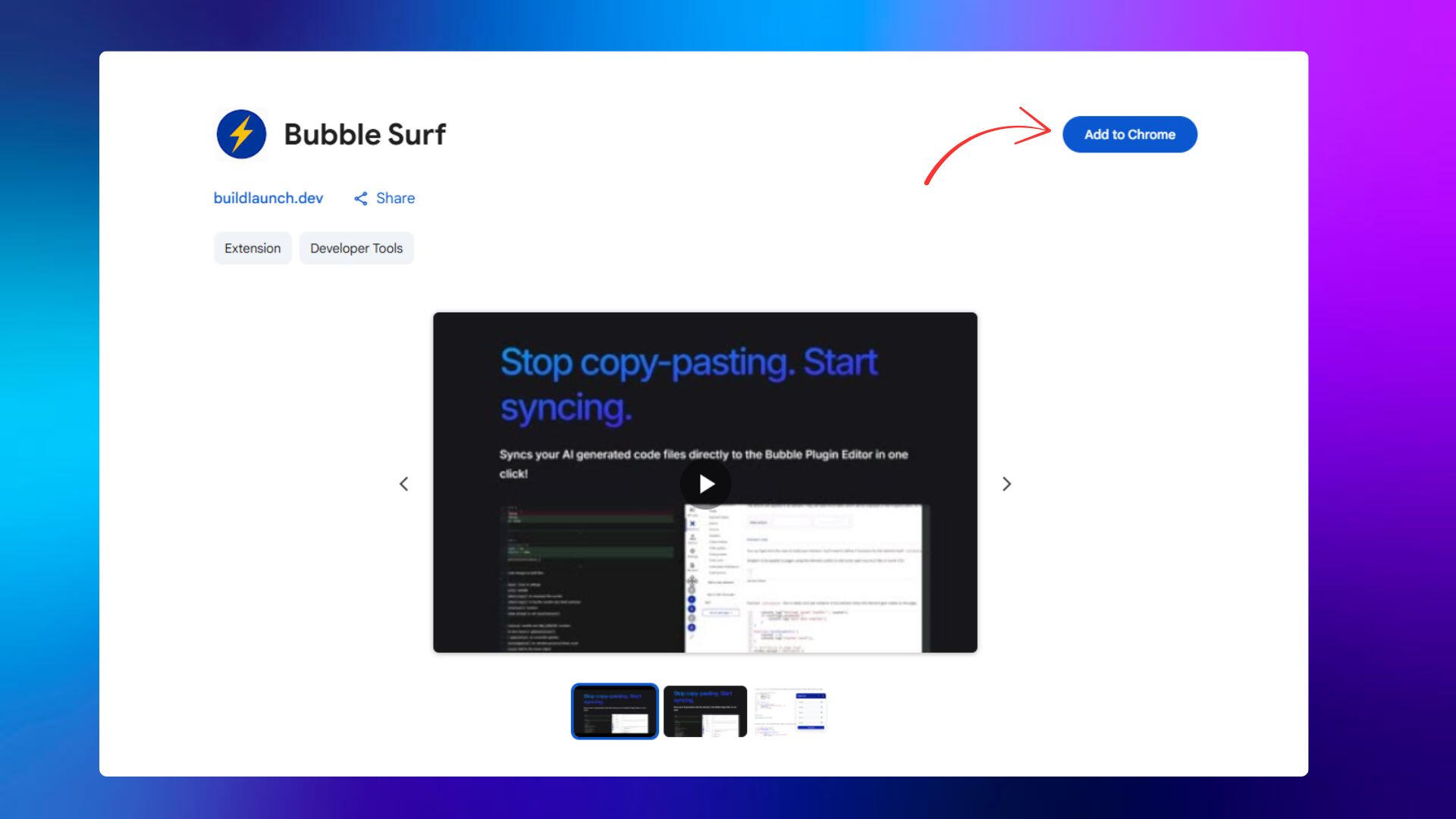
1. Install the Extension
Search and Install Bubble Surf from the Chrome Web Store and activate.
2. Select Your Files
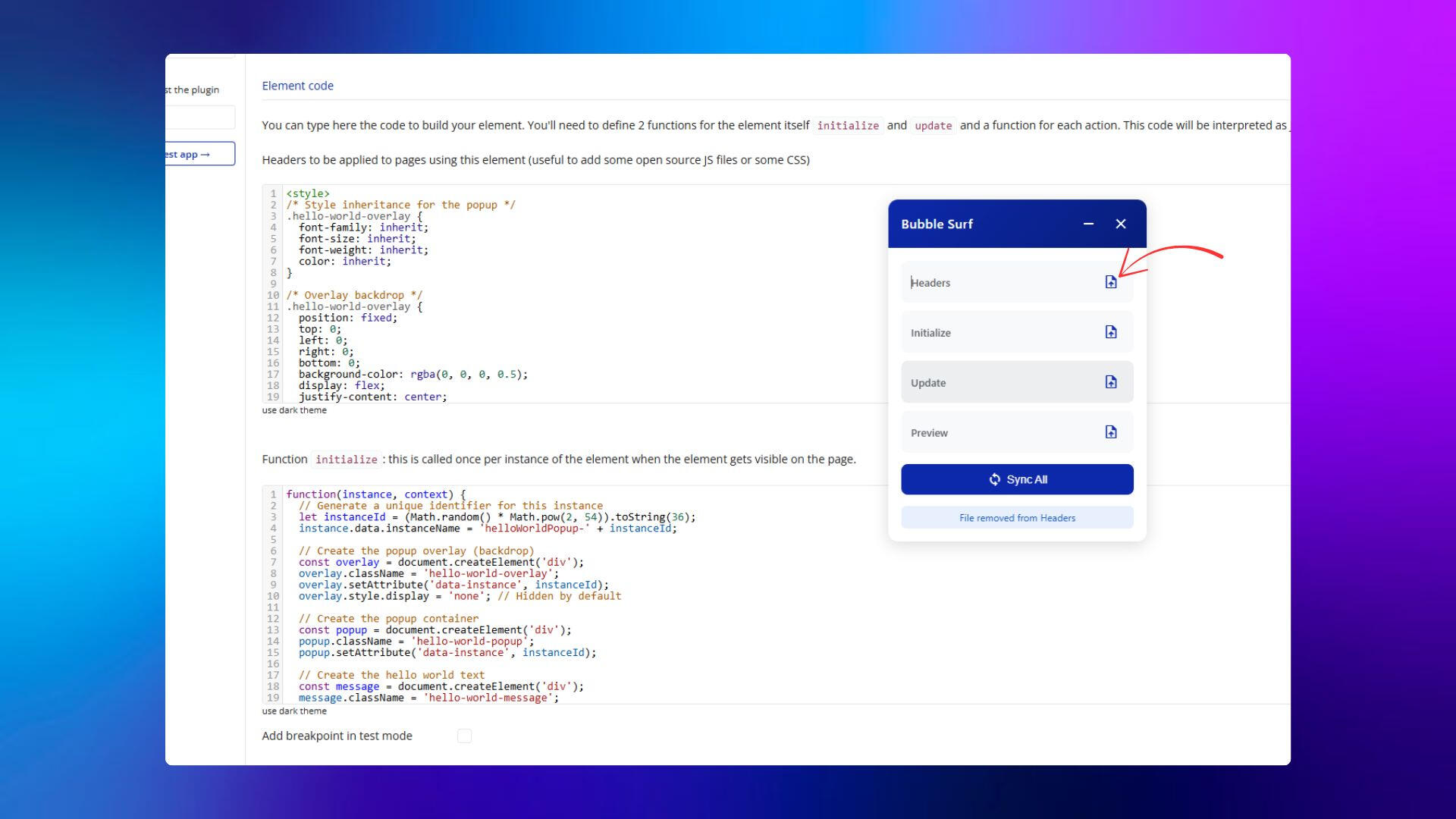
Choose the file directories once, setting them up for unlimited syncing.
3. Sync Instantly
With one click, watch your code appear in Bubble's Plugin Editor.

Seven days free surfing
Start your 7-day free trial today. Cancel anytime. No questions asked
